You can directly edit files on a remote system, without needing to move them to and from your local computer.
Editing files on ECDF using VS Code
When you ask VS Code to connect to a remote machine, it first uses ssh to log in to that machine, then downloads some software on that machine. This only works if the remote machine has access to the internet, so we’ll need to connect to a specific login node with -ext in its name, just like when using tmux.
If you configured ssh something like this
Host eddie
  HostName login02-ext.ecdf.ed.ac.uk
  User s1234567
  IdentityFile ~/.ssh/id_rsa_eddie
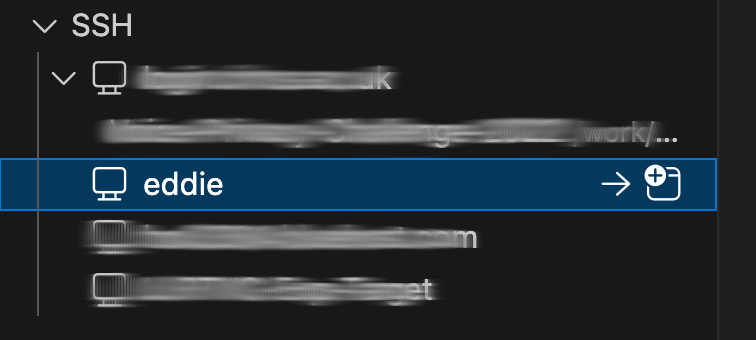
then you can simply click

to connect to eddie :