A few clever techniques will make working on a remote machine more convenient. If you find this part difficult or confusing, just take it slowly and keep practicing.
What you will learn:
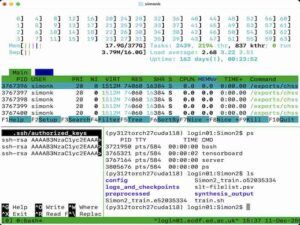
- Using ssh keys to avoid being asked for your password
- Using
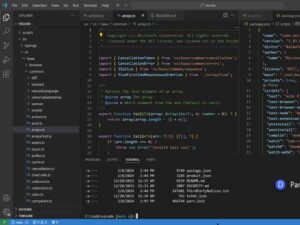
tmuxto keep a persistent shell running on a login node - Editing files on the remote system using VS Code

Skills: ssh keys
Use secure keys to avoid being asked for your password when you log in to a remote system.
Skills: persistent remote session
It is convenient to be able to keep a shell running on a login node, perhaps because you have a long-running process, or you are on an unreliable internet connection.
Skills: VS code on a remote server
You can directly edit files on a remote system, without needing to move them to and from your local computer.